Verify Flavur account
With a Flavur ID, you can access our community and all free downloads—such as wallpapers, design assets and marketing templates.
Not sure if you have a Flavur ID?
Create Flavur accountStep 1: Fill information
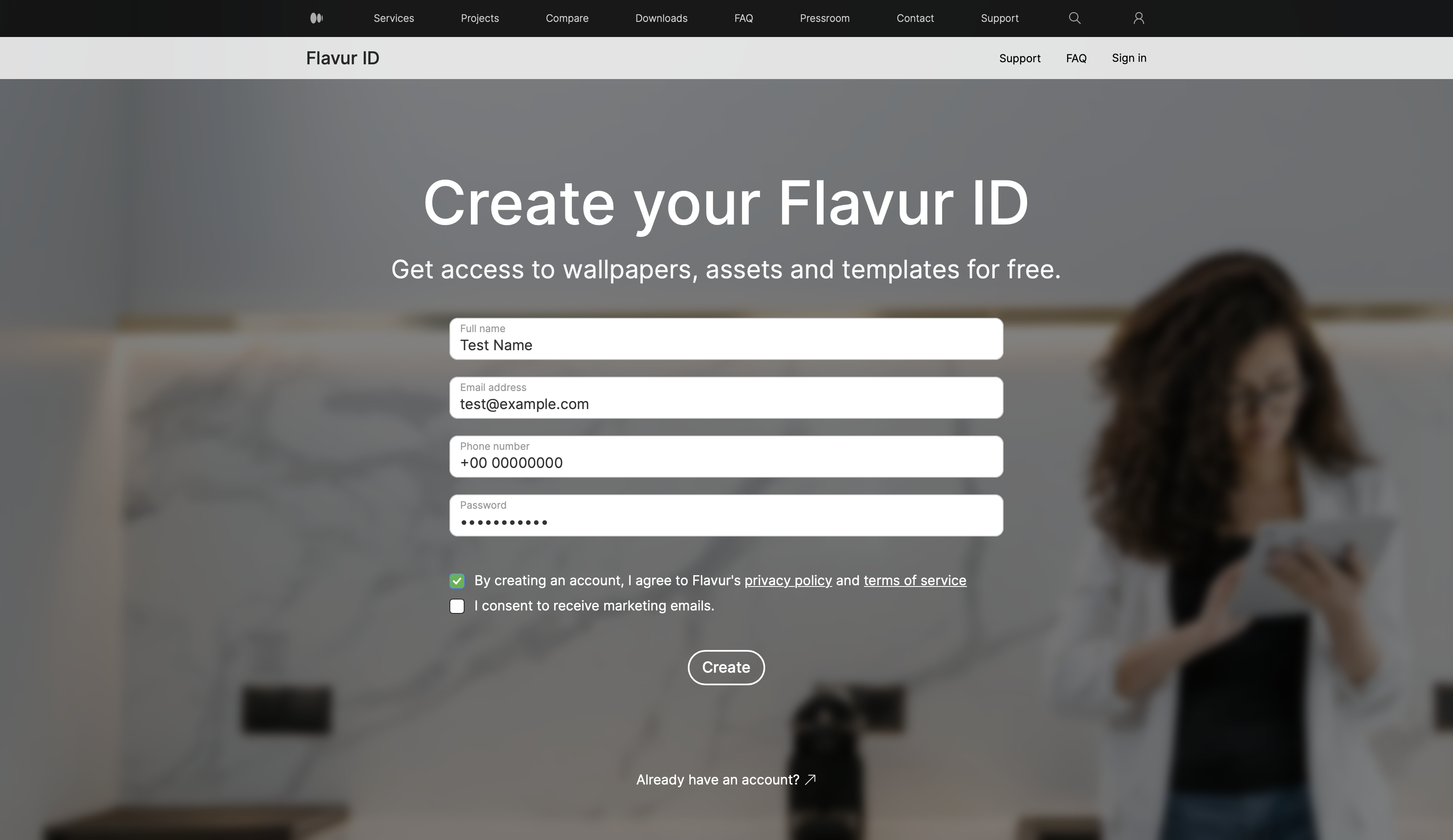
- Fill information to create your Flavur account.
- Click on the checkbox stating "By creating an account, I agree to Flavur's privacy policy and terms of service"
Step 2: Verification
- Tap the"Create" button to get a verification link.
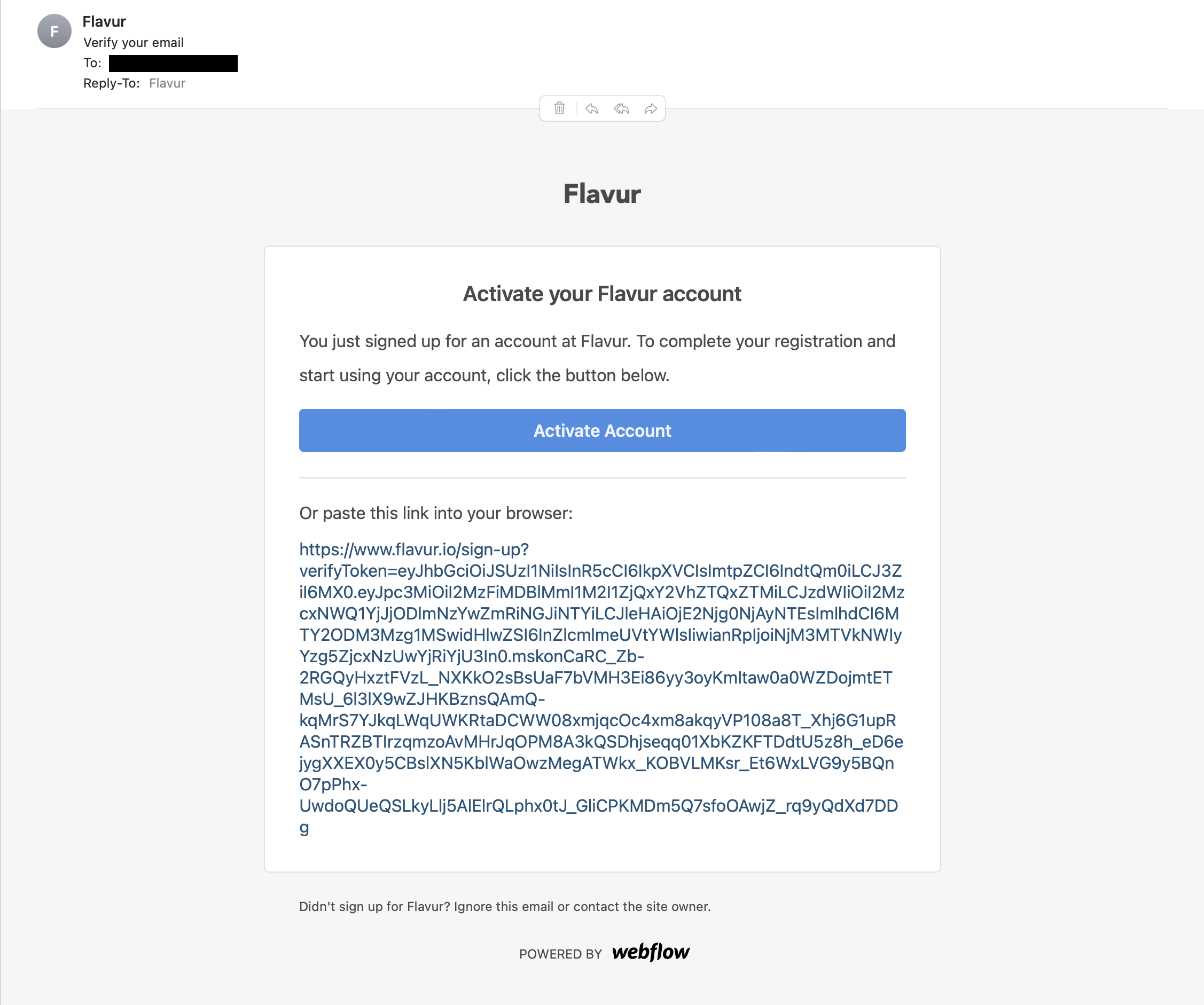
- Tap "Activate account" or click the verification link sent to your email address.
- You can now access our Community page and Downloads section.
Having trouble? Contact our support team – support@flavur.io