Create a Flavur account
Guide to creating a new Flavur account
Trouble signing in?
Reset Flavur ID passwordCreate Account
If you dont have an account already:
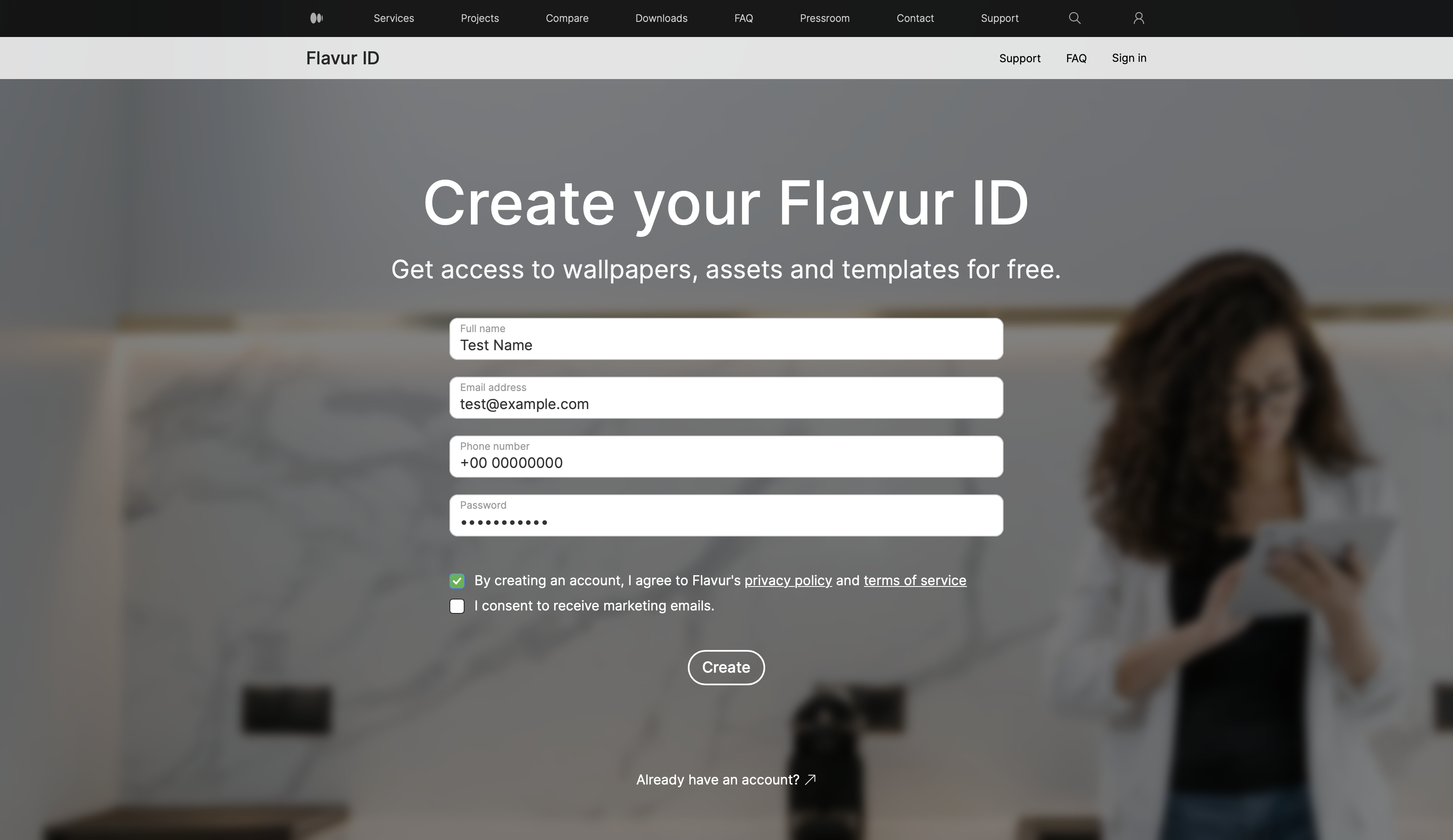
- Tap "Create Flavur ID" at the bottom of the Sign in page.
- Fill in the requested information – such as Name, email address, phone number (optional) and password.
- Click the checkbox stating "By creating an account, I agree to Flavur's privacy policy and terms of service"
- You can choose to click on "I consent to receive marketing emails." if you'd like to get seasonal offers on our services.